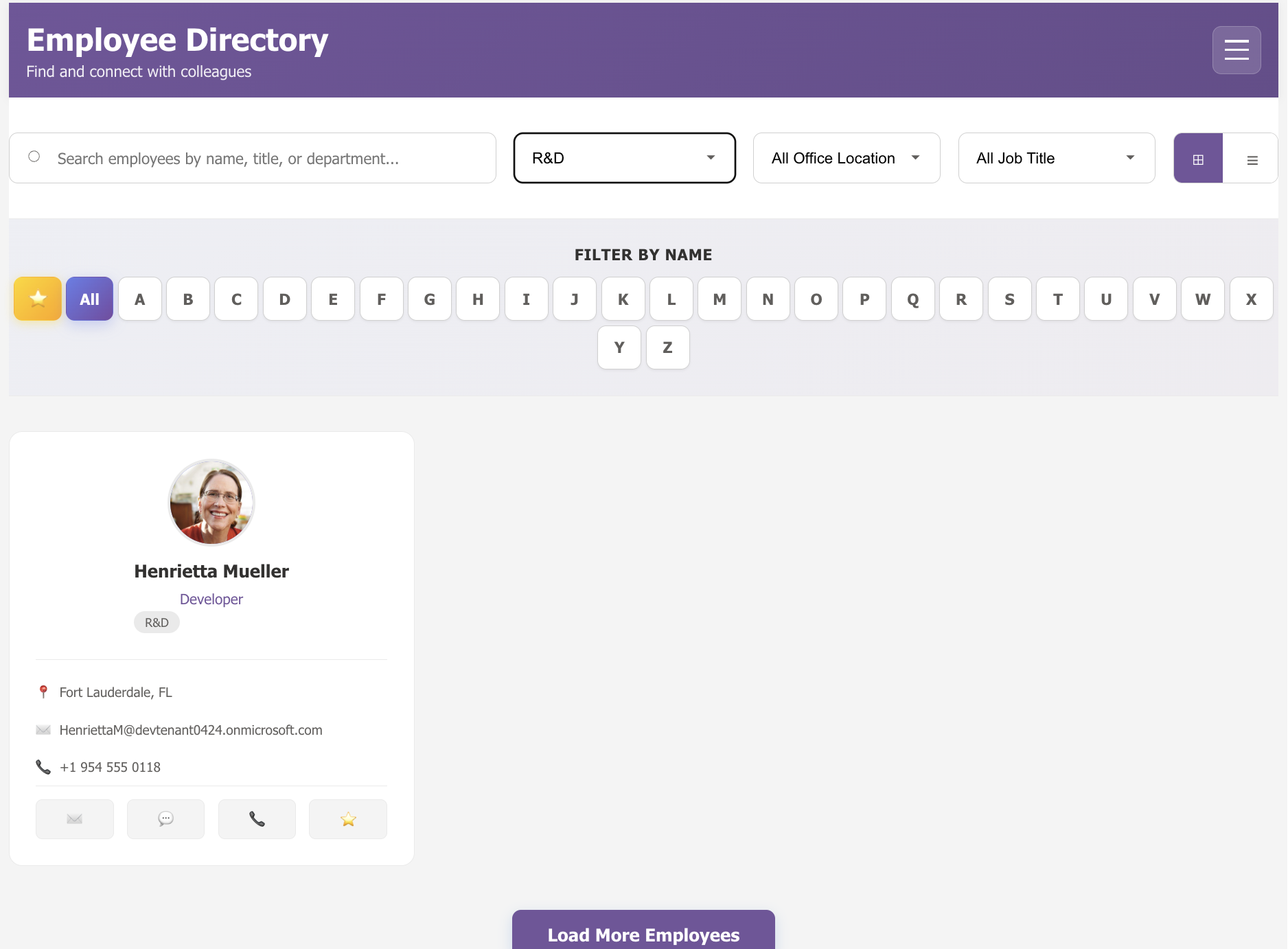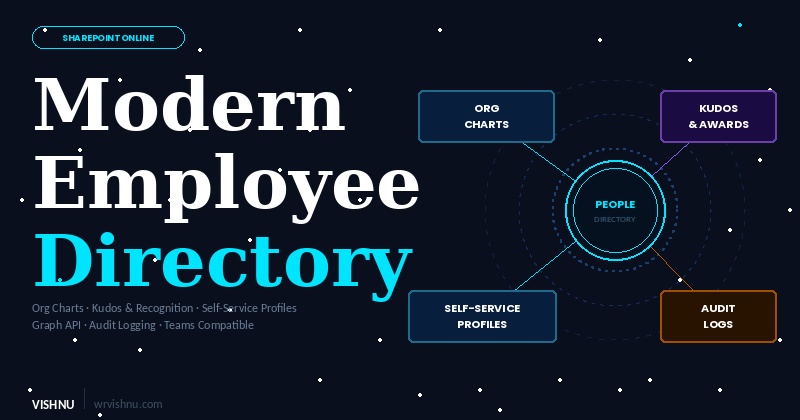
Looking for a smarter way to explore and celebrate your workforce inside Microsoft 365? The Modern Employee Directory is a feature-rich SharePoint Framework (SPFx) web part that transforms how organisations discover, connect with, and recognise their people — right inside SharePoint and Microsoft Teams.
In this post, we will walk through everything this solution offers: from its exhaustive feature set and Microsoft Graph integrations to every configurable property pane setting powering it under the hood.
What is the Modern Employee Directory?
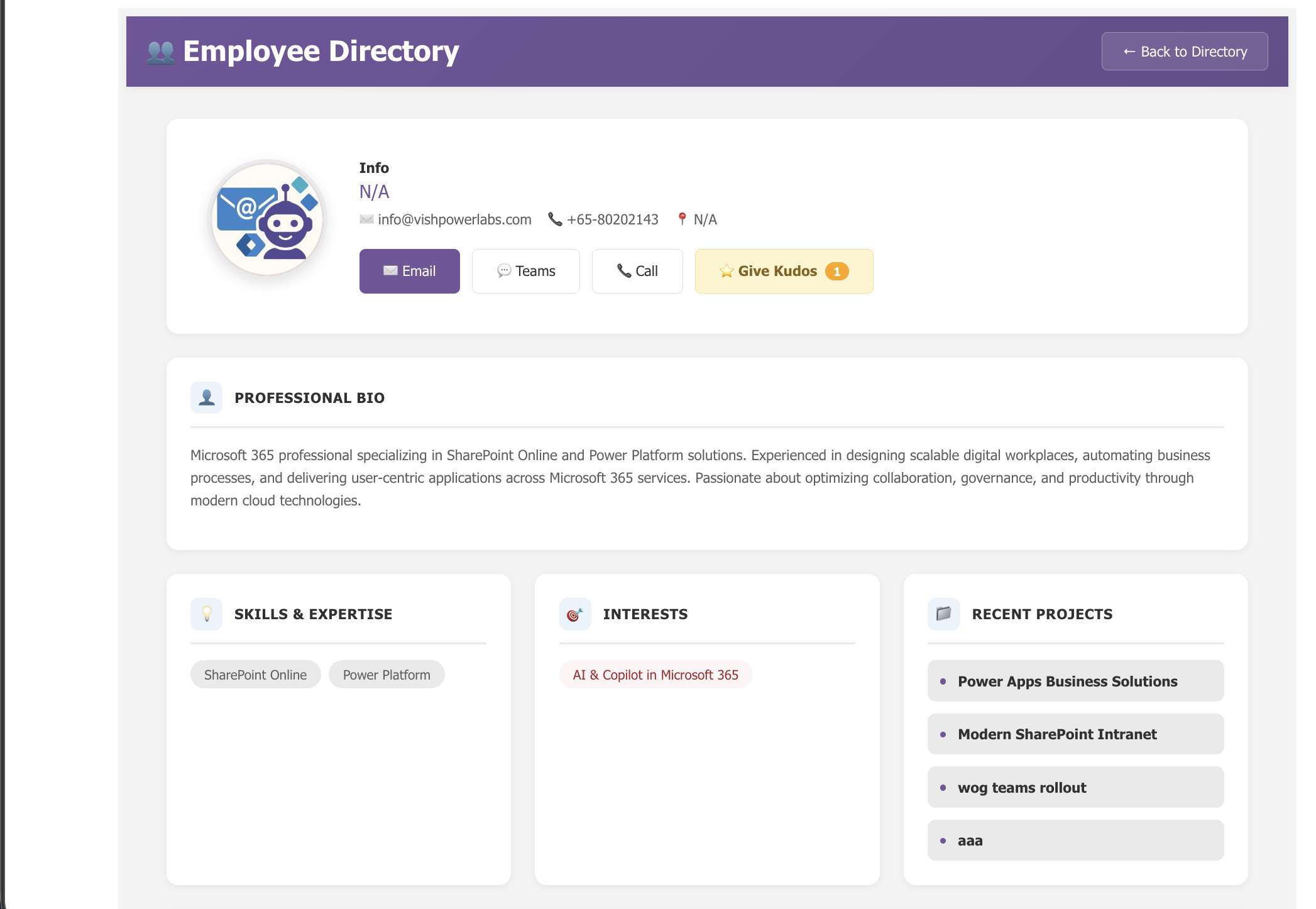
The Modern Employee Directory is an interactive, responsive dashboard that empowers employees to find colleagues, explore org charts, send peer recognition, and self-manage their own profiles — all without leaving their Microsoft 365 environment. Backed by the Microsoft Graph API and your existing SharePoint infrastructure, it delivers enterprise-grade directory capabilities with zero external database dependencies.
Key Features
|
👥 Rich Directory Experience
Browse employees in Classic Scrolling, Modern Tabbed, or Modal Overlay views — with advanced filters by department, location, job title, and more. |
🌳 Org Chart Visualisation
Visualise management hierarchies with Vertical Tree, Horizontal Tree, or Compact List layouts powered by the Graph API and react-organizational-chart. |
|
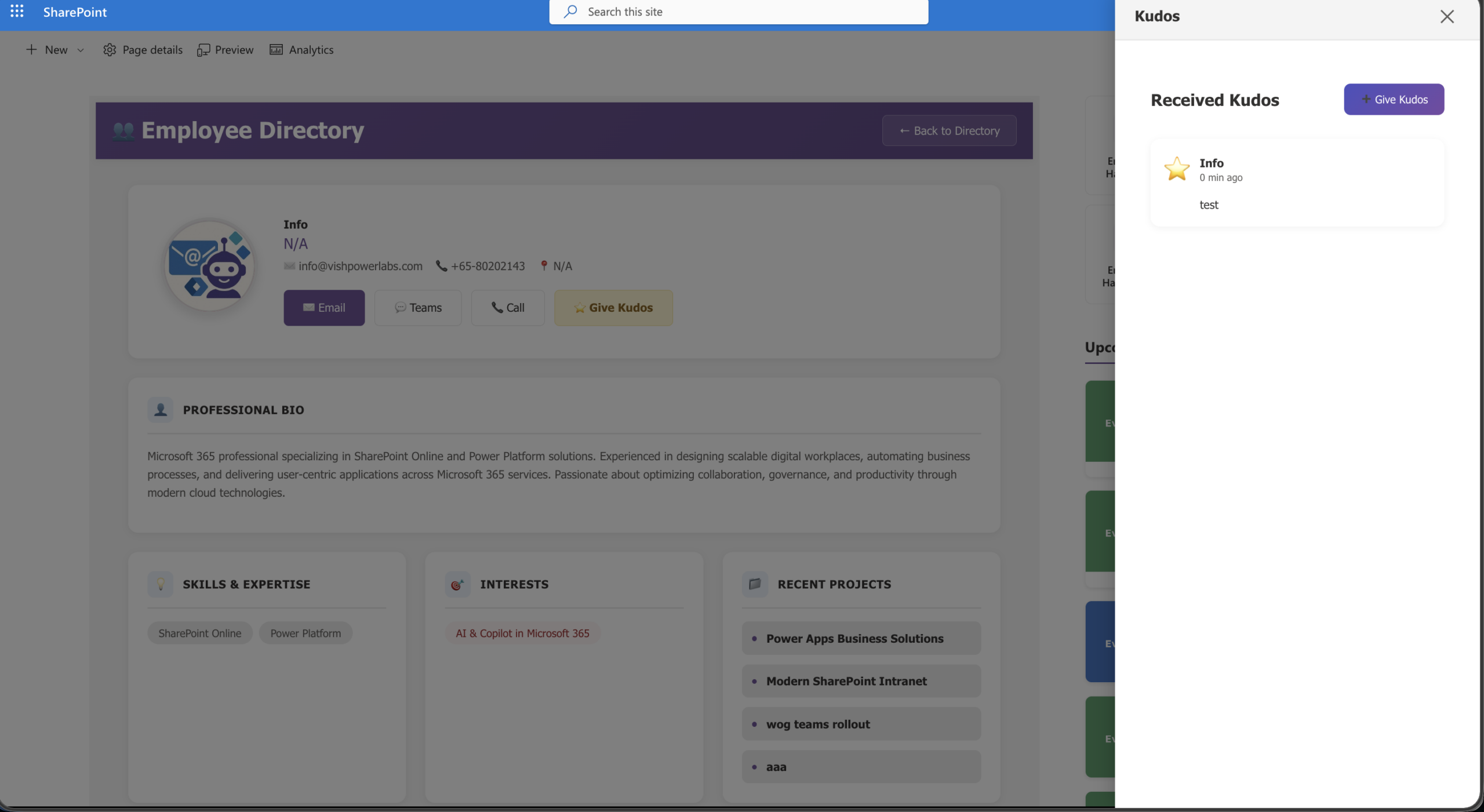
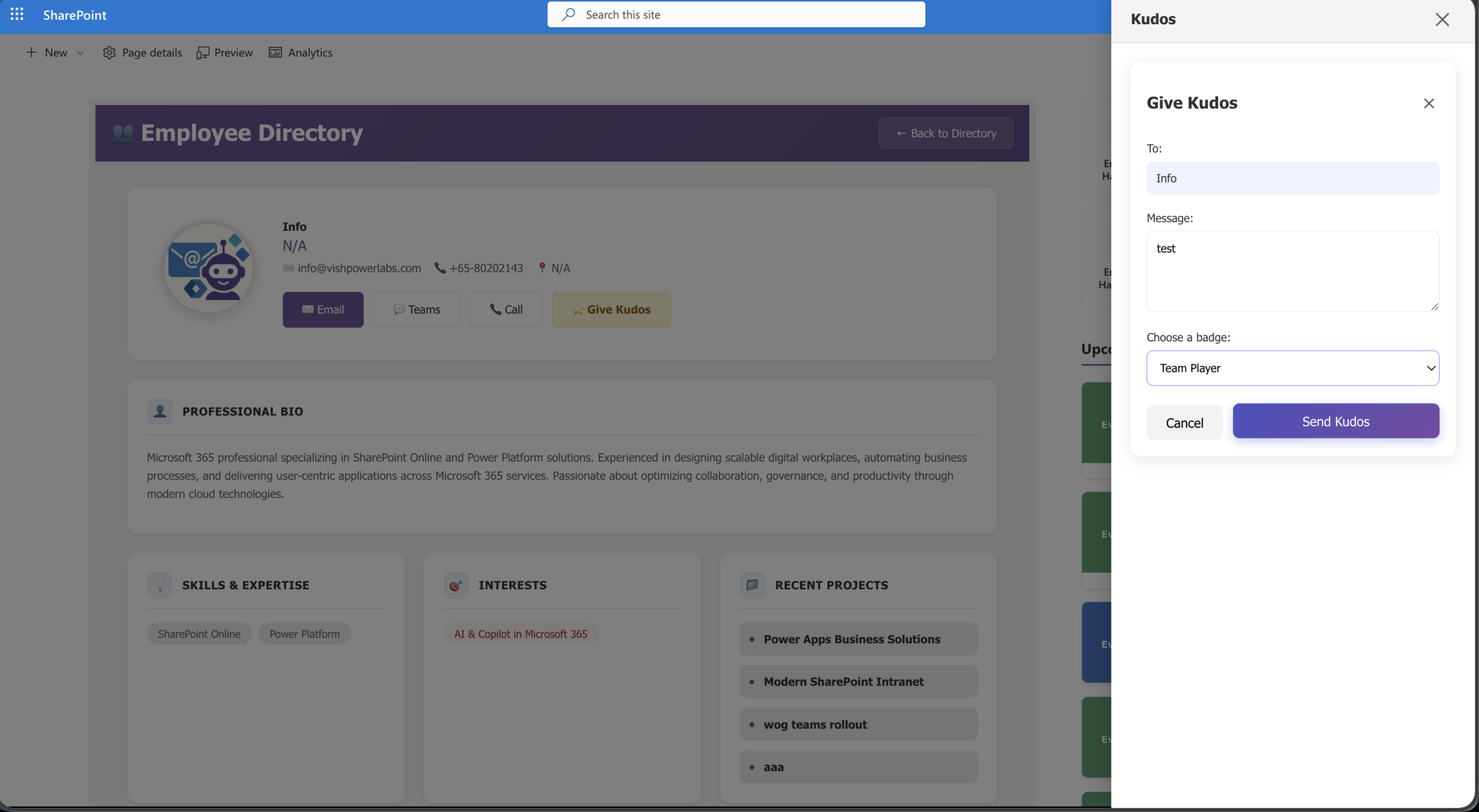
🏆 Peer Kudos & Recognition
Send badges and messages to colleagues. Champions surface automatically in a configurable Hall of Fame, or pin featured people manually. |
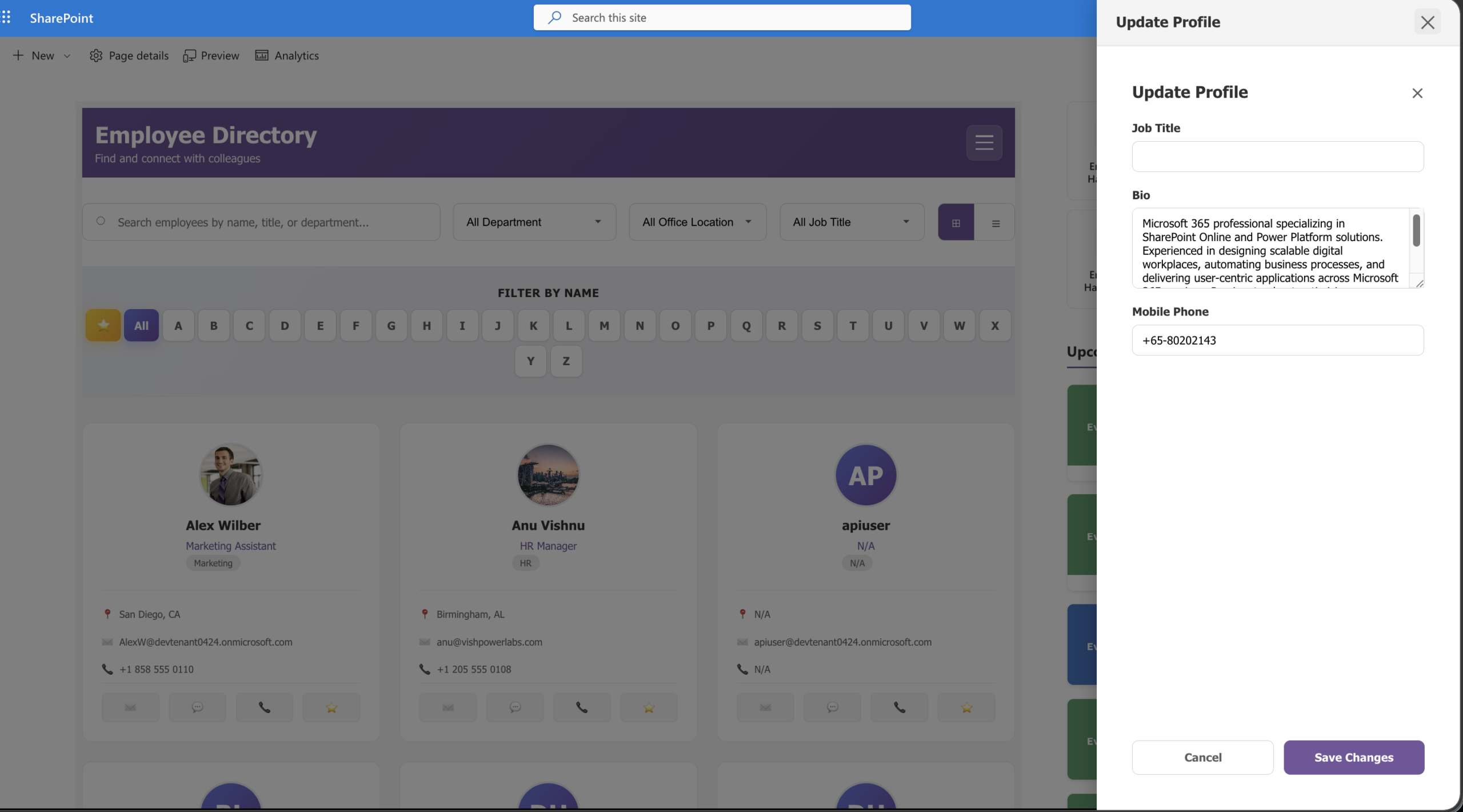
✏️ Self-Service Profile Edits
Let employees update their own Job Title, Bio, Mobile Phone, Skills, Interests, and more — directly via the Microsoft Graph PATCH endpoint. |
|
📊 Audit Logging & Insights
Track directory interactions and profile edits in a designated SharePoint List with granular JSON detail capture for full compliance visibility. |
💬 Teams & Theme Ready
Deploys as a SharePoint web part, Teams Personal App, or Teams Tab. Automatically adapts to any SharePoint or Teams theme via Fluent UI tokens. |
|
🔍 Colleague Intelligence
Surface frequently interacted peers using the Graph People API, alongside real-time Teams presence indicators for every user. |
📄 Flexible Pagination
Handle thousands of employees with chunked data loading using either a “Load More” button or classic Previous / Next pagination with adjustable page sizes. |
Microsoft Graph API Integration
The Modern Employee Directory is deeply integrated with the Microsoft Graph API via SPFx’s native MSGraphClientV3. This enables real-time organisational data without any custom backend services.
Data accessed via Graph API
User Profiles: Basic attributes such as Job Title, Department, City, State, and mapped onPremisesExtensionAttributes via /users and /users/{id}.
Organisational Structure: Management chains via /users/{id}/manager and direct reports via /users/{id}/directReports.
Colleague Intelligence: Frequently interacted peers via the /users/{id}/people endpoint.
Photos & Presence: Profile thumbnails via /users/{id}/photo/$value and real-time Teams presence via batch lookups at POST /communications/getPresencesByUserId.
Rich Profile Fields (Beta): Reading, creating, updating, and deleting advanced data like Skills and Interests via /users/{me}/profile/skills and /users/{me}/profile/interests.
Self-Service Edits: Pushing user-initiated profile updates back to Microsoft 365 via the PATCH /me (beta) endpoint.
Required API permissions
A Tenant Administrator must approve the following permissions in the SharePoint Admin Center:
User.Read.All User.ReadWrite Presence.Read.All People.Read.All
Web Part Settings & Configuration
The web part is organised across three property pane pages, giving site administrators granular control over every aspect of the directory — without touching a single line of code.
Page 1 — General Configuration
Display Settings
Description: Set a custom description for this web part instance.
Container Margin: Adjust the outer margin of the web part container (0–30 px, steps of 2).
Badge Circle & Font Size: Fine-tune avatar badge sizing (20–60 px) and initials font size (8–20 px) to match your branding.
Layout & Theme
Profile Viewing Style: Choose between Classic Scrolling, Modern Tabbed, or Modal Overlay (Contextual).
Org Chart Layout: Select Vertical Tree, Horizontal Tree, or Compact List for hierarchy visualisation.
Font Size Settings
Homepage Title Font Size: 20–40 px slider.
Detail Page Title Font Size: 16–32 px slider.
Section Heading Font Size: 12–24 px slider.
Navigation & Pagination
Enable Pagination: Toggle chunked data loading on or off.
Users per Page: Slider from 5 to 50 users (disabled when pagination is off).
Pagination Style: Choose between “Load More” button or traditional “Previous / Next” controls.
Page 2 — Core Directory Features
Organisation Filters
Filter Type: Scope the directory by None, Department, Office Location, Email Domain, or Extension Attribute.
Filter Value & Attribute Value: Contextual inputs that dynamically load unique departments/locations or accept free text for extension attribute scoping.
Homepage Dropdown Filters: Multi-select to let users cross-filter by Department, Office Location, Job Title, City, State/Province, or Country on the fly.
Kudos System
Enable Kudos: Toggle the entire peer recognition suite on or off.
Min Kudos for Hall of Fame: Users reaching this threshold (0–20) automatically appear in the Hall of Fame section.
Select Kudos List: A ListPicker pointing to the SharePoint list used to store Kudos data.
Column Mapping: Map Recipient, Author, Message, and Badge Type columns to any existing list schema — no rigid column names required.
Hall of Fame
Manually Featured People: Use a People Picker to pin specific employees to the top of the directory regardless of kudos count.
Page 3 — Advanced Management Settings
Self-Service Settings
Updatable Profile Fields: A multi-select that dictates precisely which Graph fields employees may edit — options include Job Title, Bio (About Me), Mobile Phone, Office Location, Skills, Interests, and Past Projects.
Audit & Insights
Enable Audit Logging: Toggle transaction and viewing audits for compliance tracking.
Select Audit List: A ListPicker pointing to the SharePoint list that stores audit records.
Column Mapping: Map Activity, Actor, Target, and Details columns to any existing list schema. The Details column captures granular JSON event data for deep forensic analysis.
Show Audit Debug Panel: Toggle an on-page panel that displays raw audit logs directly — useful during initial setup and troubleshooting.
Under the Hood: The Toolchain
For the developers out there, the Modern Employee Directory is built on a modern, enterprise-grade toolchain. Here is a look at the core technologies powering this web part: