SharePoint Online is powerful — but it has a glaring blind spot. There’s no built-in, comprehensive view of who has access to what. I built the Permission Viewer web part to fix exactly that.
1 The Challenge
Managing permissions in SharePoint Online often feels like guesswork. Administrators and site owners have to check individual lists and libraries one by one to answer even basic questions:
- Who has access to this site?
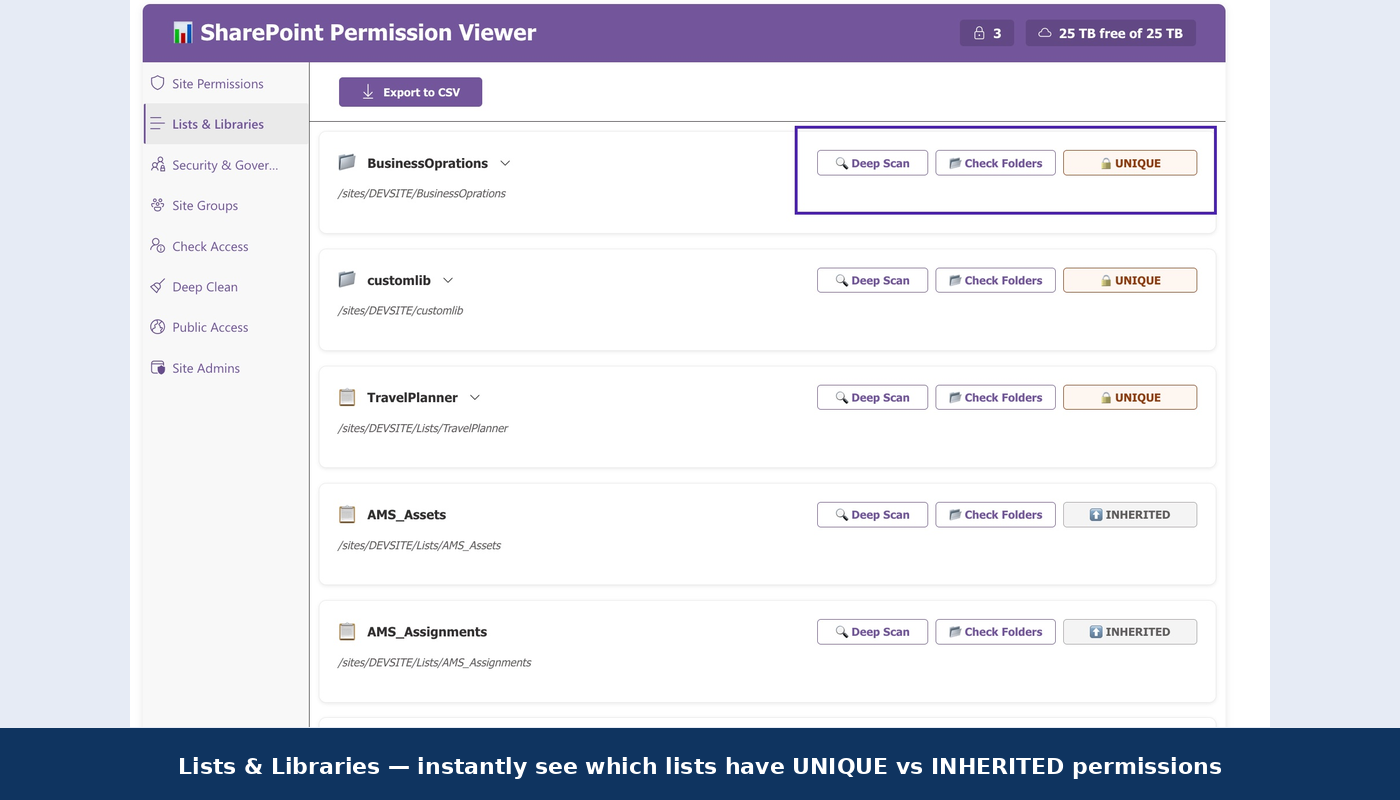
- Which libraries have unique (broken-inheritance) permissions?
- What permission level does this specific user have?
- Are there orphaned accounts from departed employees still holding access?
Without a centralised view, security becomes a manual, error-prone process — and mistakes in permission management can lead to data exposure or compliance failures.
2 The Solution
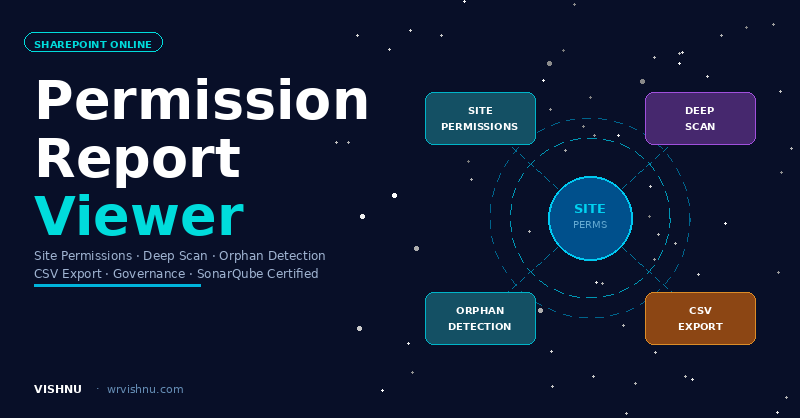
The Permission Viewer web part provides a single-pane-of-glass dashboard for all permissions within a site. It uses the SharePoint REST API to scan your site, lists, and libraries and presents a clear, colour-coded, exportable picture of exactly who can access what.
3 Key Features
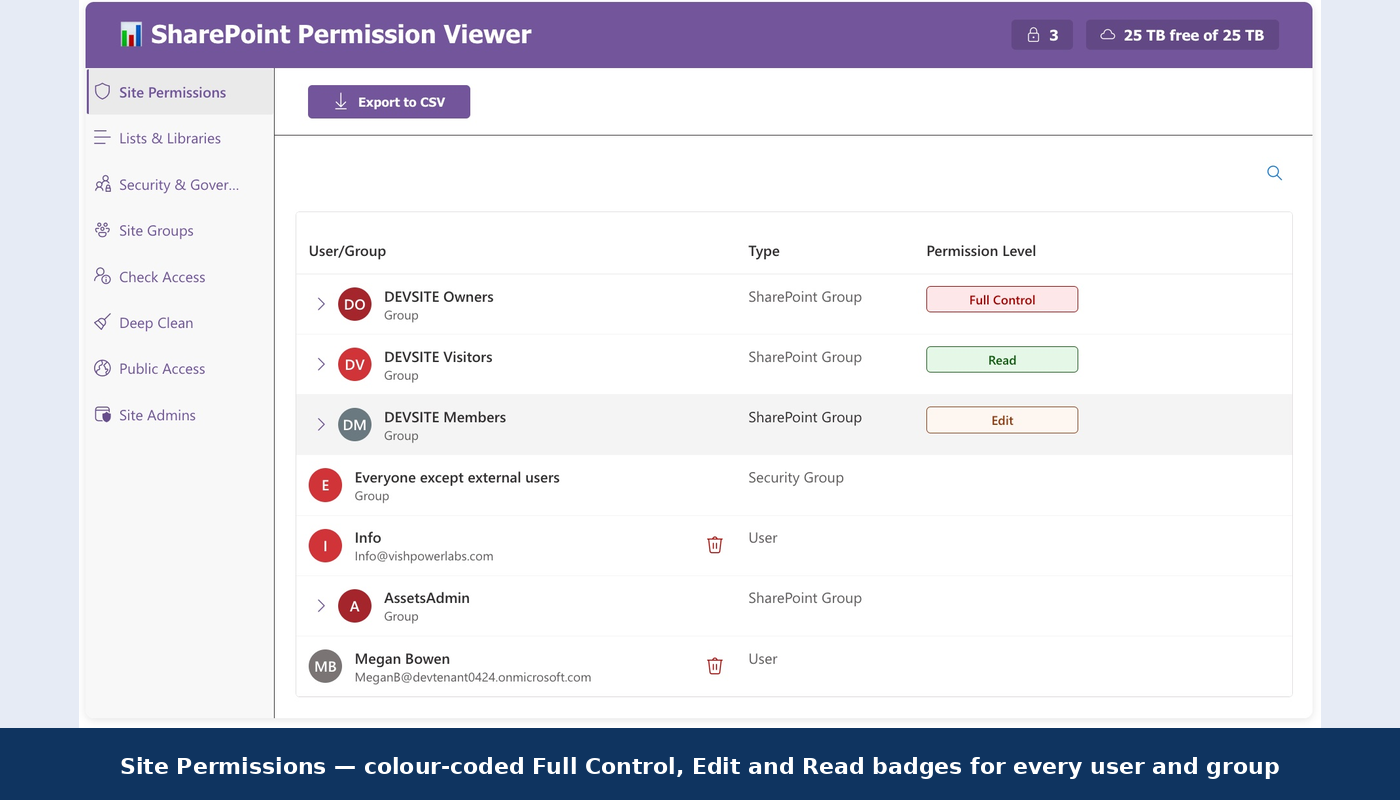
The web part loads with a statistics overview — total users, SharePoint groups, unique-permission lists, and orphaned accounts — then lets you drill into detailed views. Colour-coded badges make permission levels instantly scannable:
The report automatically filters out “Limited Access” noise — only explicit permission grants are shown, keeping the view clean and actionable.
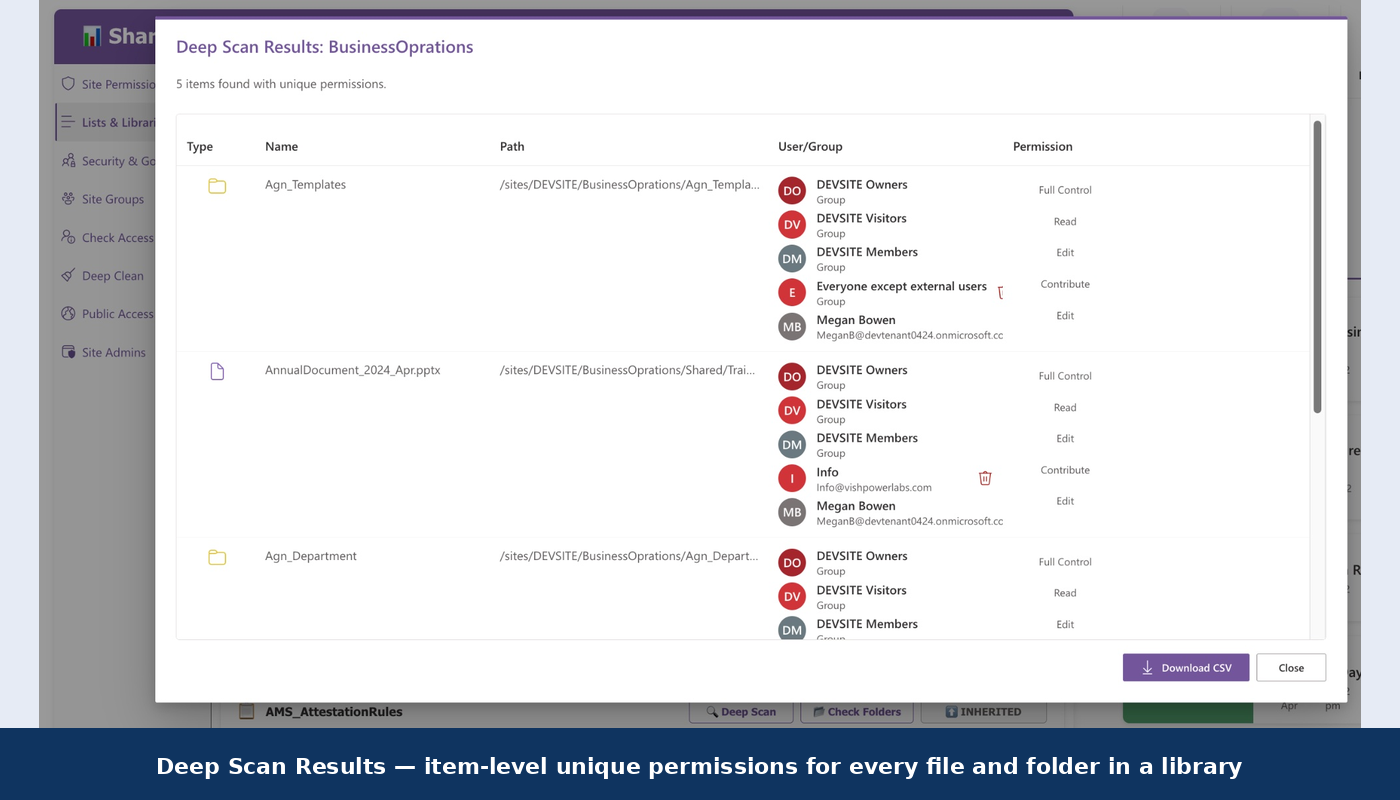
Drill into any list or library to verify every single item — critical for catching files with broken inheritance.
Search any user via People Picker, see their explicit permissions, and revoke access directly from the interface.
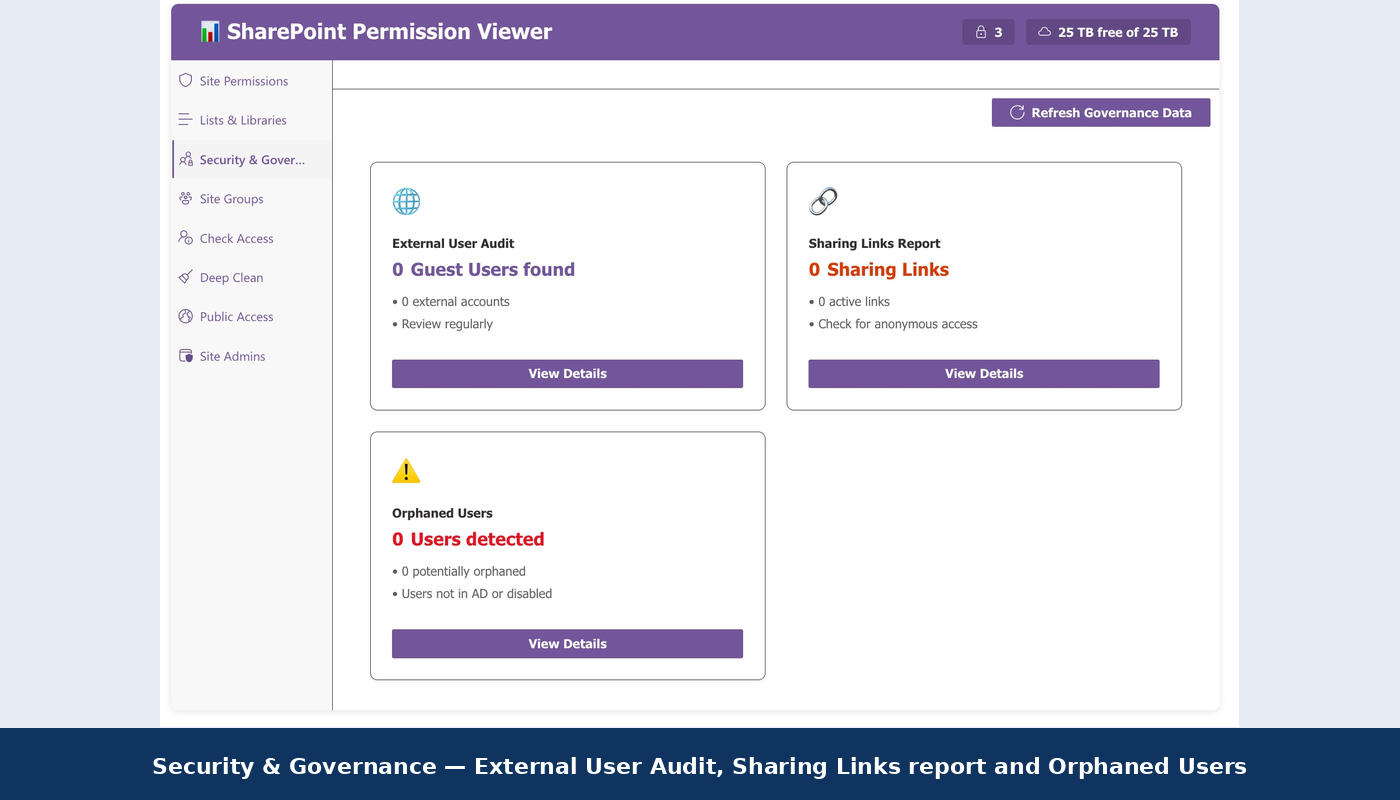
Scans the entire site for accounts disabled or deleted in Azure AD that still hold SharePoint permissions.
Export site-level, list-level, or deep-scan results as CSV for offline analysis, auditing, or archival.
Automatically inherits your SharePoint site theme — backgrounds, fonts, and button colours adapt instantly.
Audit anonymous and external sharing links — surface hidden access risks before they become incidents.
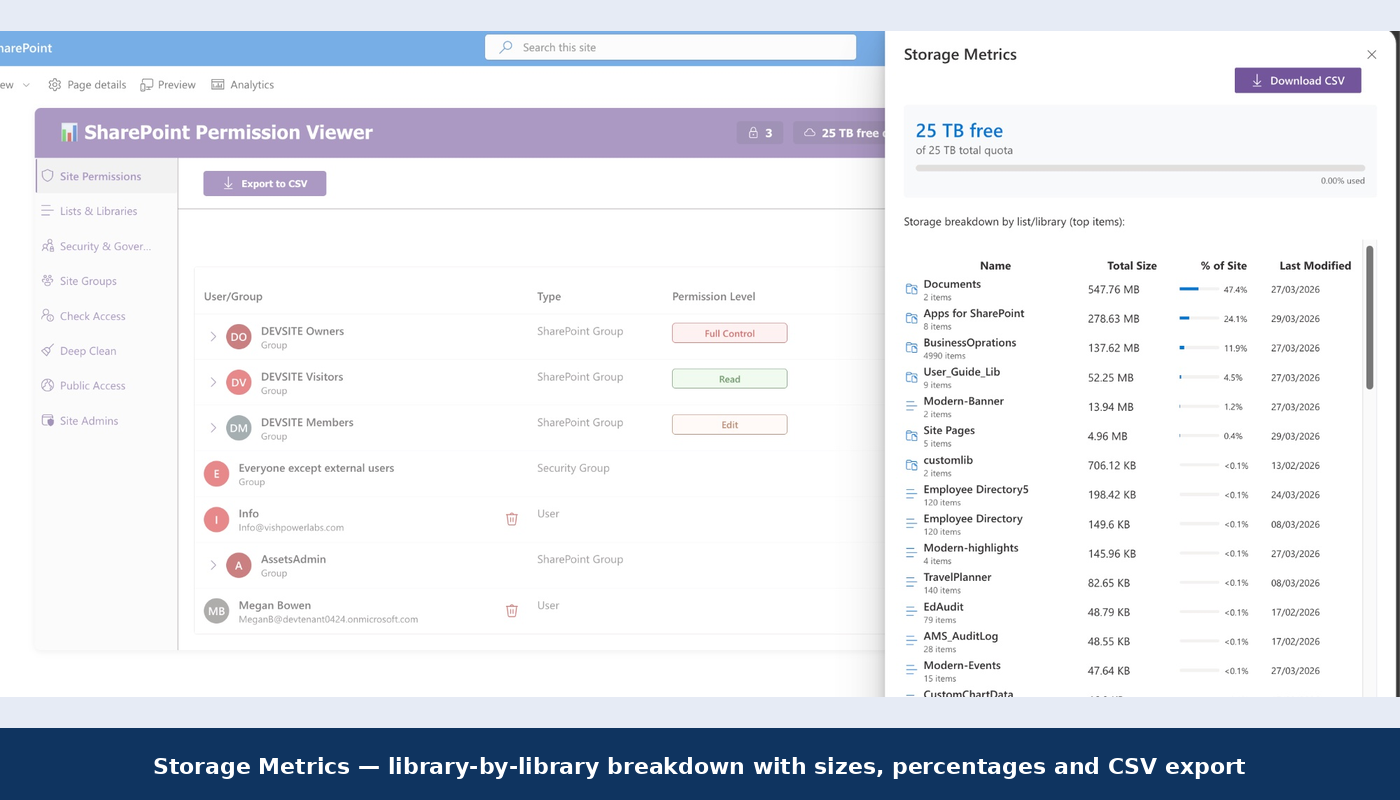
Library-by-library storage breakdown with Auto, MB, GB, or TB format and downloadable CSV.
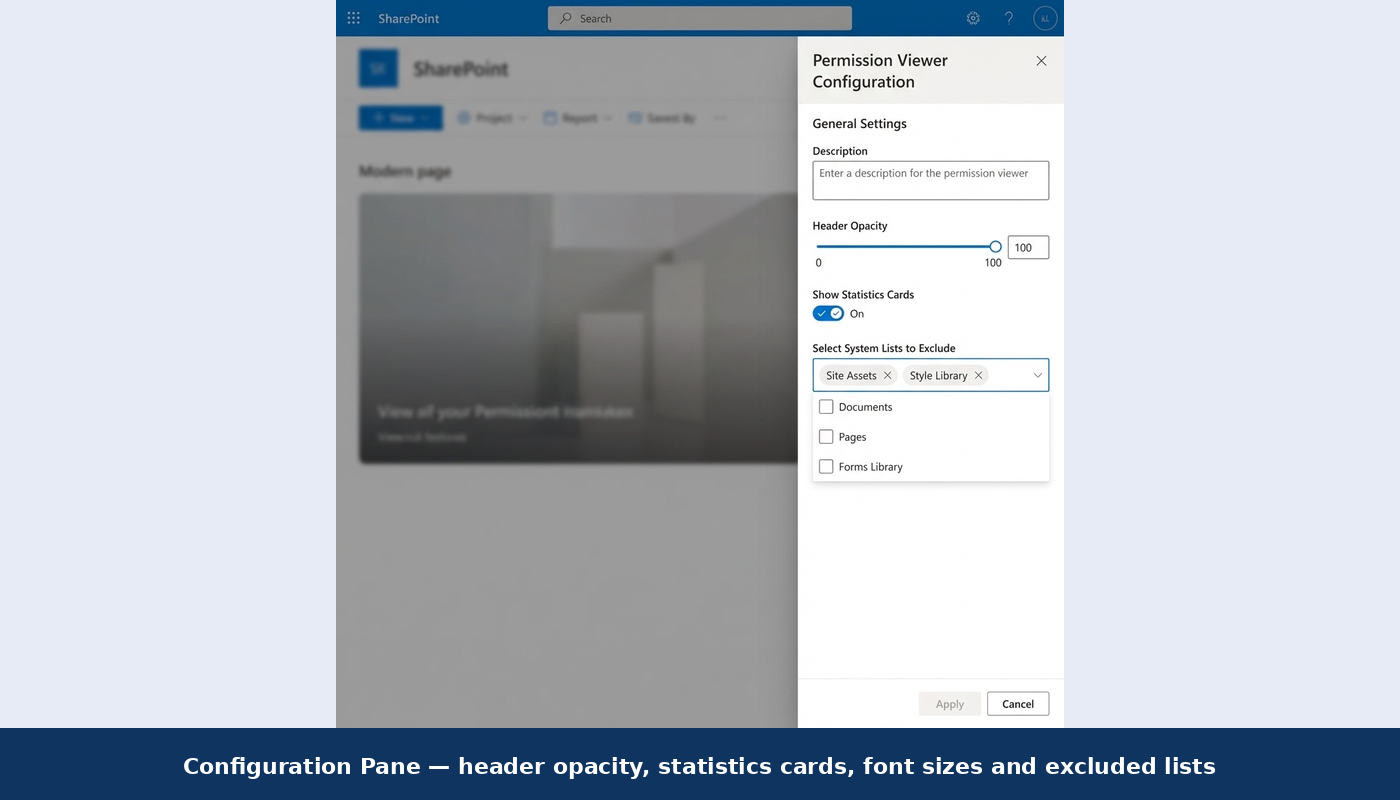
Exclude system lists like Site Assets and Style Library to focus reports on business content only.
4 How It Works
Upload the .sppkg file to your Site Collection or Tenant App Catalog and trust the application when prompted.
Add the web part to any modern SharePoint page. Use the property pane to set exclusions, font sizes, header opacity, and toggle statistics cards on or off.
On load, the web part uses the SharePoint REST API to aggregate all role assignments, identify unique vs. inherited permissions, and display them in a clean, filterable dashboard.
Remove orphaned users, revoke specific permissions, and export comprehensive CSV reports — all without leaving the page.
5 Build & Deploy
The project uses Heft for a fast, production-grade build pipeline. Getting started requires Node.js v22.14.0+ and SPFx v1.22.0.
# Install dependencies
npm install

# Build and package for production
npm run build
# → heft build --clean --production && heft package-solution --production
The generated .sppkg file appears in sharepoint/solution/ — ready to upload to your App Catalog.
6 Code Quality & Security
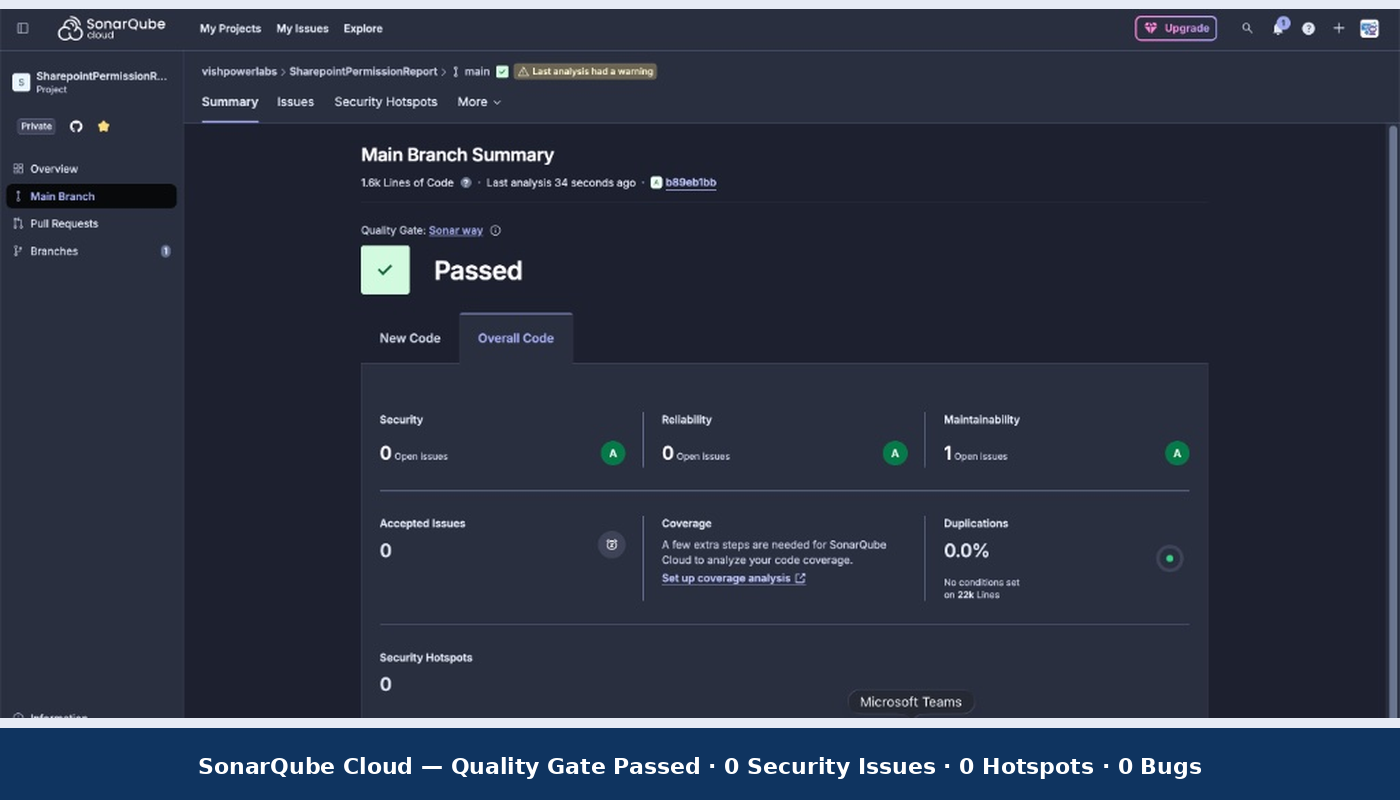
When a web part touches permission data, code quality is not optional. The Permission Viewer has been analysed with SonarQube Cloud:
Source Code
Permission Report Source code