The Copilot Studio business scenarios covered in this guide represent the highest-value opportunities for Microsoft-aligned organisations that are ready to move beyond the question of whether AI belongs in the enterprise. The real question now is which operational problems to solve first — and in what order.
Unlike earlier chatbot tools that relied on rigid conversation trees, Copilot Studio combines generative AI, enterprise knowledge retrieval and workflow automation. Agents can understand natural language, retrieve information from SharePoint and other sources, and trigger business processes through Power Automate — all within a single conversational experience in Microsoft Teams.
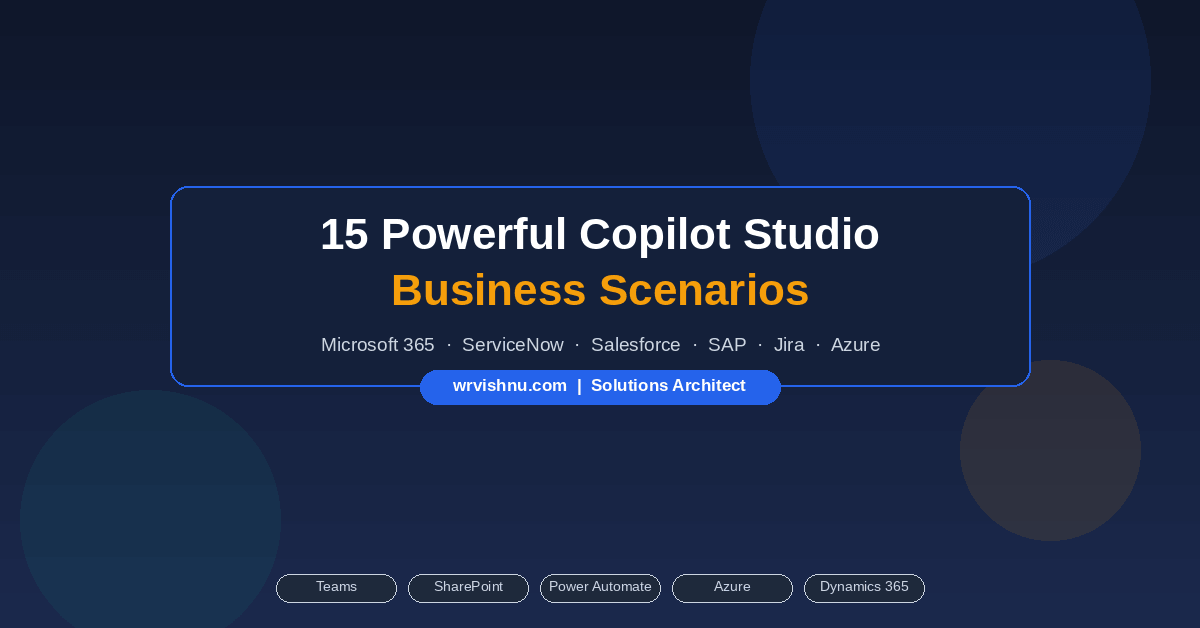
Below are 15 practical Copilot Studio business scenarios that deliver measurable results. Each one is built around a specific operational problem, not a technology demonstration.
1. HR Policy Assistant — One of the Top Copilot Studio Business Scenarios
HR teams field hundreds of repetitive employee questions every week — leave entitlements, reimbursement procedures, travel policies. An agent connected to SharePoint answers these instantly, with live leave balances pulled directly from Workday or SAP SuccessFactors. HR capacity shifts from answering repetitive queries to doing strategic work.
Key integrations: SharePoint Online · Workday · SAP SuccessFactors · Microsoft Entra ID
2. IT Helpdesk Agent
IT departments handle thousands of support requests per month. This Copilot Studio business scenario uses an agent that searches the knowledge base, presents troubleshooting steps and — when the issue cannot be self-resolved — creates a ServiceNow incident with the user’s context pre-populated. Ticket volume drops and resolution times improve without adding headcount.
Key integrations: SharePoint IT Knowledge Base · ServiceNow · Jira Service Management
3. Employee Onboarding Assistant
Fragmented onboarding — forms in one system, training in another, equipment requests through a separate process — loses new hires in their first week. An automated agent sends a personalised welcome on Day 1, walks the employee through a task checklist, submits equipment requests to IT and schedules a 30-day check-in. All triggered automatically when the new hire record is created in the HR system.
Key integrations: Workday · SharePoint · ServiceNow · Microsoft Forms · Viva Learning
4. Leave Management Assistant
Employees regularly contact HR to check leave balances, confirm approval status and clarify entitlements. A self-service agent retrieves this data directly from the HR platform and returns it as a clean Adaptive Card — no HR involvement required. No leave data is persisted in the Copilot Studio environment.
Key integrations: Workday · SAP SuccessFactors · Dynamics 365 HR
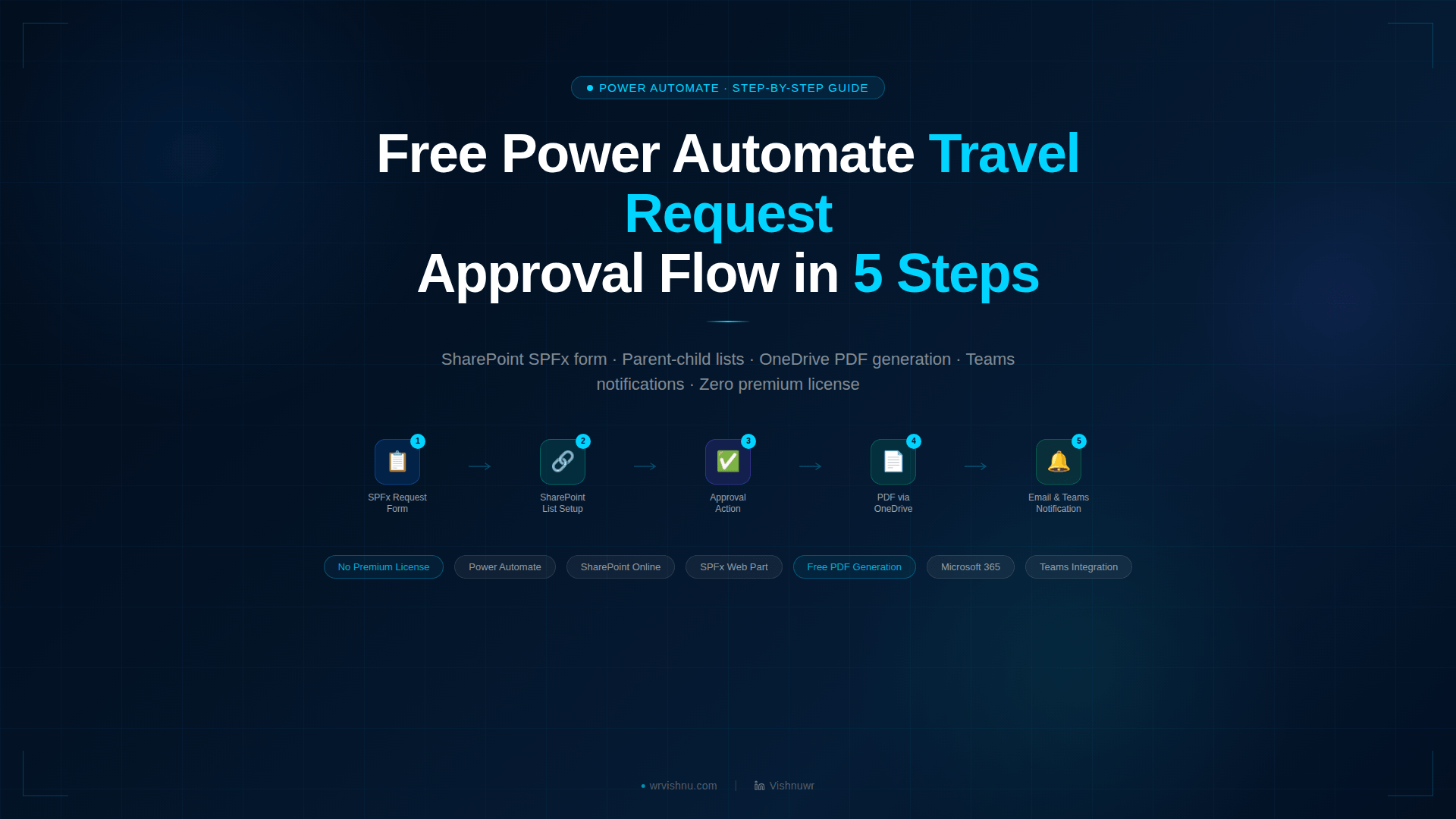
5. Travel Request Assistant
Travel approvals via email chains are slow, inconsistent and difficult to audit. An agent collects the travel details conversationally, creates a SharePoint record, sends an approval card to the employee’s manager in Teams and notifies the employee of the outcome. Finance gets full visibility before the trip takes place.
Key integrations: SharePoint · SAP Concur · Dynamics 365 Finance · Power Automate approval flows
6. Knowledge Management Assistant
Enterprise organisations accumulate significant documentation that employees rarely find in practice. An agent connected to SharePoint and Azure AI Search performs semantic, permission-trimmed searches and returns ranked results with citation links. Unanswered queries are logged automatically for the knowledge management team to address.
Key integrations: SharePoint Online · Azure AI Search · Confluence (optional)
7. Invoice Status Assistant
Finance teams receive a constant stream of invoice payment queries from suppliers and internal stakeholders. An agent connected to the ERP system retrieves invoice status, approval history and scheduled payment date in seconds — without the stakeholder needing ERP access.
Key integrations: SAP S/4HANA · Dynamics 365 Finance · Oracle ERP Cloud
8. Procurement Assistant
Employees outside the procurement team frequently need purchase order status or vendor contact information but have no direct ERP access. An agent surfaces this data in plain language through a conversational query, reducing the volume of procurement team interruptions.
Key integrations: SAP S/4HANA · Dynamics 365 Supply Chain Management · Oracle Procurement Cloud
9. Customer Support Agent
Customer support teams face rising ticket volumes and pressure to reduce cost per interaction. An agent resolves knowledge-based queries autonomously, retrieves account data from the CRM for authenticated customers and creates support cases automatically. Complex issues are escalated to a live agent with the full conversation context passed through.
Key integrations: Dynamics 365 Customer Service · Salesforce Service Cloud · Zendesk · Freshdesk
10. Project Management Assistant
Project managers spend considerable time aggregating status updates across Planner, Jira and SharePoint. An agent queries all three systems and returns a consolidated summary — tasks, open risks, sprint progress, milestone status — in a single conversation. No manual report compilation required.
Key integrations: Microsoft Planner · Jira Cloud · Azure DevOps · SharePoint
11. ServiceNow Copilot Studio Integration — Incident Management Agent
Many organisations run ServiceNow as their ITSM platform but find employees reluctant to log incidents directly in the portal. The ServiceNow Copilot Studio integration removes that friction entirely. The employee describes the issue in plain language, the agent attempts self-service resolution and — if unsuccessful — creates the ServiceNow incident with the user’s Entra ID profile pre-populated.
Key integrations: ServiceNow ITSM · Microsoft Entra ID · Azure Key Vault
12. Salesforce Sales Assistant — Copilot Studio Enterprise Integration
Sales representatives navigate Salesforce constantly to prepare for calls and check pipeline status. This Copilot Studio enterprise integration retrieves opportunity data, account details and pipeline summaries through Power Automate using per-user OAuth — meaning Salesforce object-level security is fully respected. No CRM data is cached in the Copilot Studio environment.
Key integrations: Salesforce Sales Cloud · Power Automate Salesforce connector (per-user OAuth)
13. SAP Finance and Procurement Assistant
SAP environments are powerful but difficult to navigate for non-specialist users. An agent surfaces finance and procurement data — PO status, invoice approval stage, budget availability — in plain language through calls to SAP S/4HANA OData APIs routed through Azure API Management. Non-SAP users get the information they need without GUI access or training.
Key integrations: SAP S/4HANA OData APIs · Azure API Management · SAP SuccessFactors · SAP Concur
14. Jira Copilot Studio Integration — Project Assistant
Development teams using Jira context-switch constantly between their work environment and Jira to check assigned tasks, sprint status and bug counts. The Jira Copilot Studio integration brings that data into Teams, where the team already operates. Issue creation is also supported — with write access restricted to configured projects only.
Key integrations: Jira Cloud · Jira Data Center · Power Automate (per-user OAuth)
15. Azure Operations Assistant
On-call cloud engineers need fast situational awareness during incidents — VM health, active critical alerts, recent error logs — without navigating multiple Azure Portal dashboards. An agent connected to Azure Resource Graph, Azure Monitor and Log Analytics via managed identity delivers this in seconds. Azure Monitor alert rules can also trigger proactive Adaptive Card notifications to the operations Teams channel when critical events occur.
Key integrations: Azure Monitor · Azure Resource Graph · Log Analytics · Managed Identity (no Key Vault required)
Before You Deploy — Governance for All Copilot Studio Business Scenarios
All 15 Copilot Studio business scenarios above are technically achievable today. What separates successful enterprise deployments from failed ones is the governance framework built before the first agent goes live — role-based access, managed identities, Azure Key Vault for credentials, Purview DLP policies, audit logging and a human approval requirement for any agent action that modifies data or sends communications on behalf of a user.
The full article covers governance considerations and security controls for each scenario in detail.
Free Reference Guide — Download Now
Free PDF · Available Now
Copilot Studio Business Scenarios
Reference Guide 2026
All 15 scenarios with integration details, architecture patterns, governance checklist and phased implementation roadmap — formatted for print and sharing.
✓ Integration Reference Table
✓ Governance Checklist
✓ 4-Phase Roadmap
✓ Architecture Patterns
Free · No sign-up required · 15 Copilot Business Use Case
Explore More from the Blog
Practical guides across Power Platform, Copilot and SharePoint — written for architects and practitioners building real enterprise solutions.

Vishnu W R
Microsoft Solutions Architect · Singapore
Independent Solutions Architect writing practical Microsoft 365, Power Platform and Copilot Studio content for enterprise architects and practitioners.