Free Power Platform Samples for Beginners
Power Platform samples for beginners — this is your go-to collection of free, ready-to-use examples covering Power Automate flows, Power Apps, and Microsoft Copilot. Whether you are just starting out or looking to level up, these real-world samples will help you learn faster and build with confidence. No advanced coding experience needed.
Browse the samples below. New examples are added regularly — bookmark this page so you never miss one.
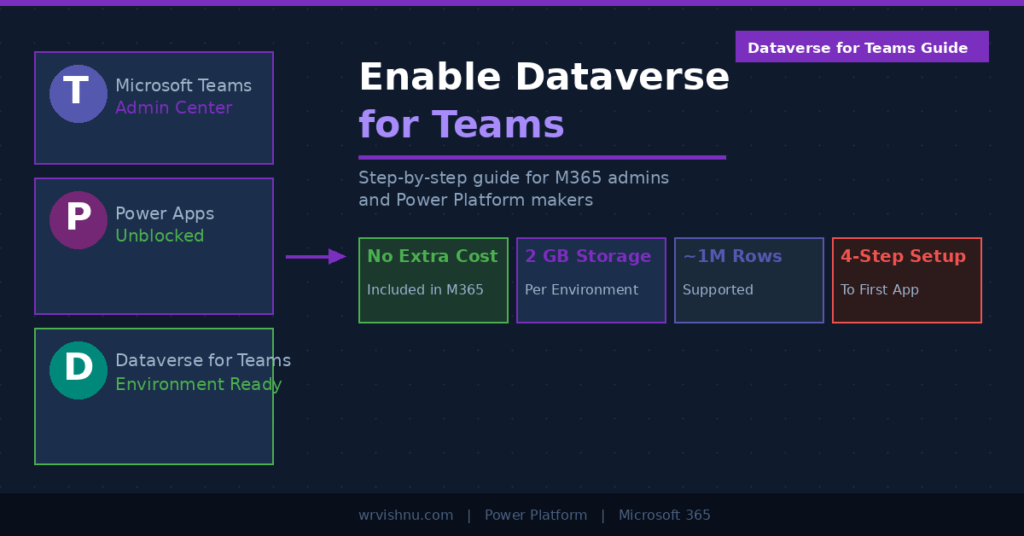
Enable Dataverse for Teams: The Essential Setup Guide
Most Microsoft 365 teams are sitting on a capability they never switched on. Dataverse for Teams is bundled into the…
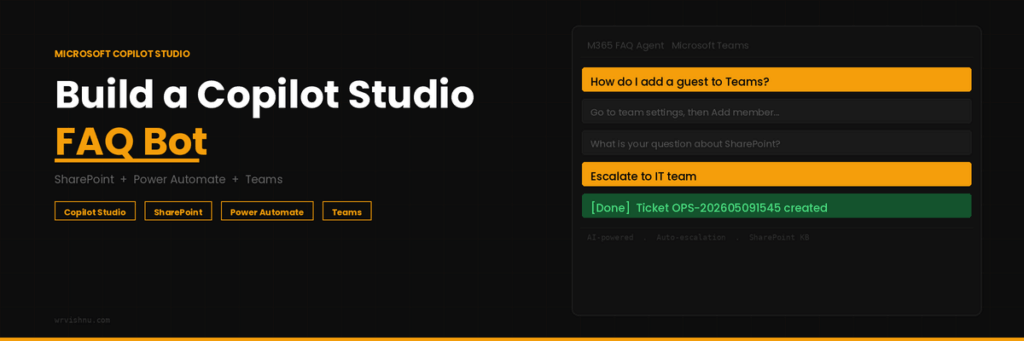
M365 FAQ Agent: Build a Powerful AI Copilot Studio Bot Fast
If you work in IT or operations, you already know how quickly Microsoft 365 questions start piling up across Teams…
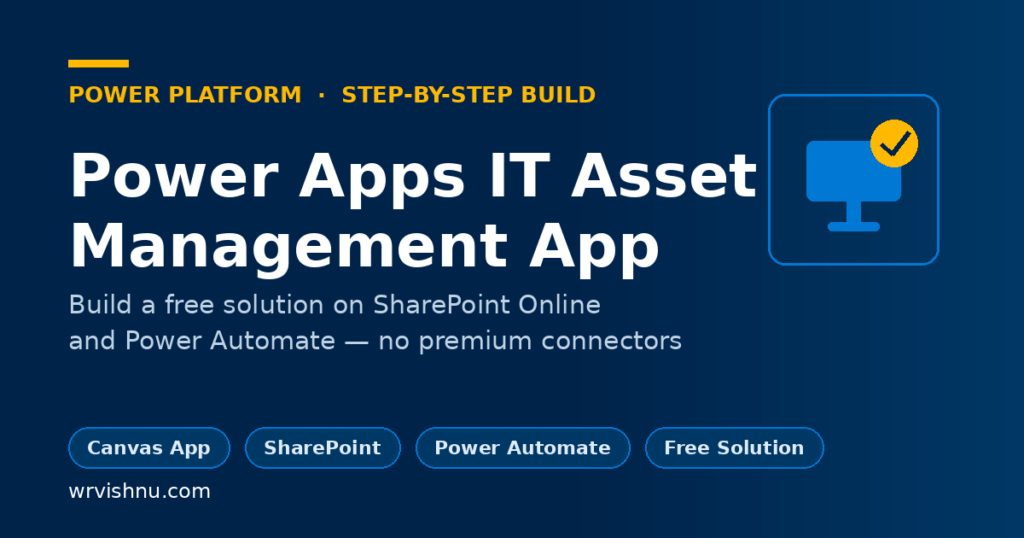
Build a Power Apps IT Asset Management App — Free Guide 2026
This Power Apps IT Asset Management App handles the full equipment lifecycle from request through approval, assignment, and quarterly attestation.…
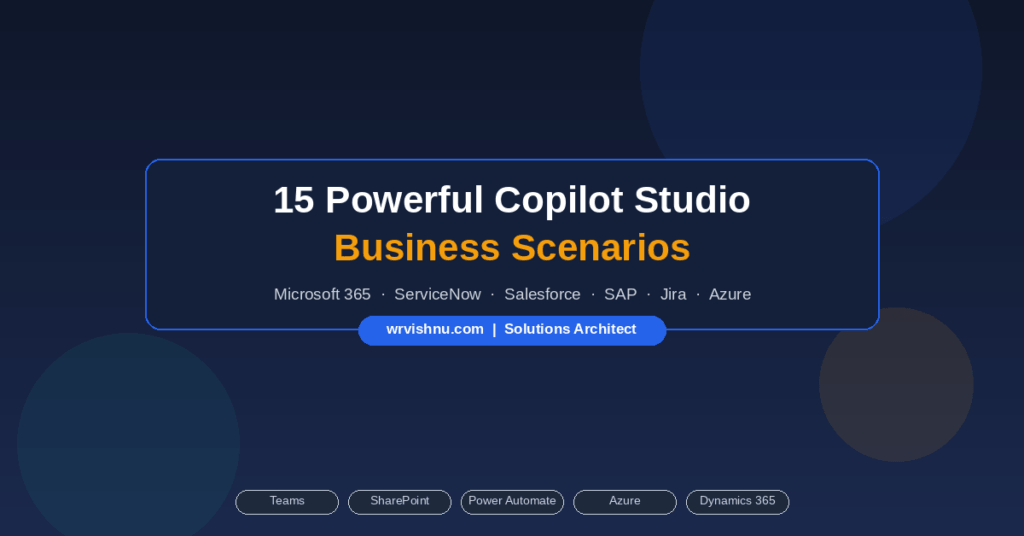
15 Powerful Copilot Studio Business Scenarios
The Copilot Studio business scenarios covered in this guide represent the highest-value opportunities for Microsoft-aligned organisations that are ready to…
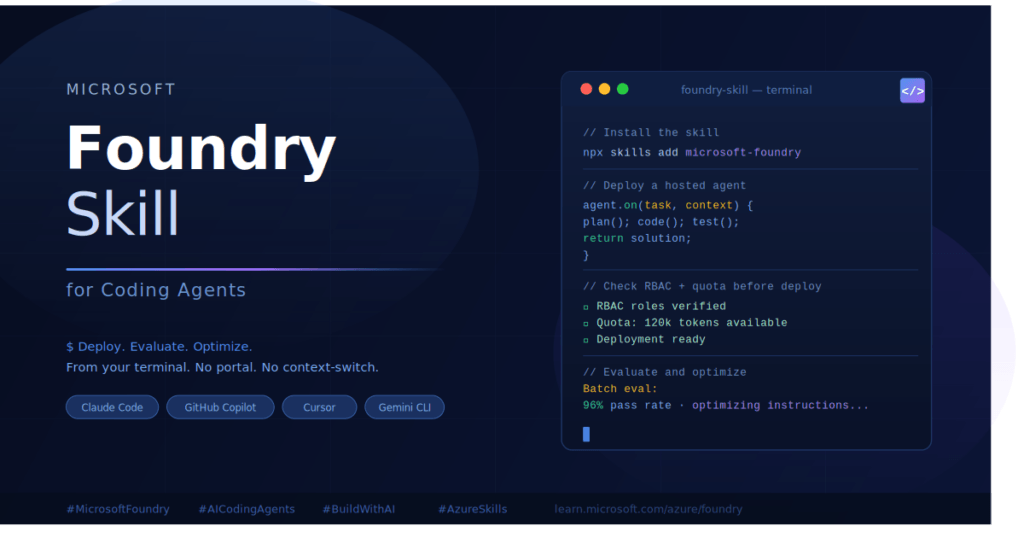
10 Ways Microsoft Foundry Skill for Coding Agents Saves Time
If you spend a lot of time switching between your terminal and the Azure portal just to deploy or test…
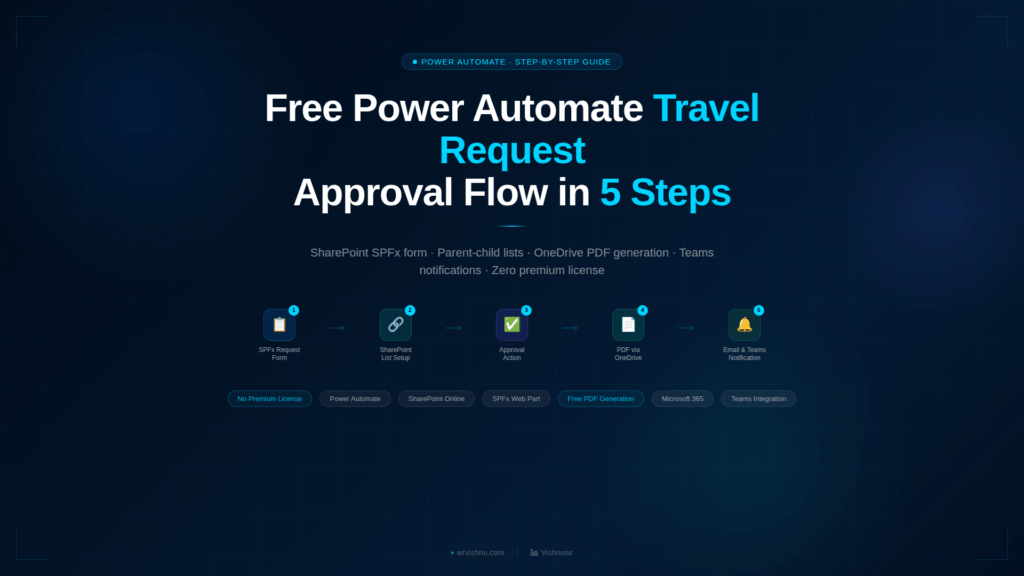
Power Automate Travel Request Approval Flow in 5 Steps
Building a Power Automate travel request approval flow is the best way to automate your company's travel bookings for free,…
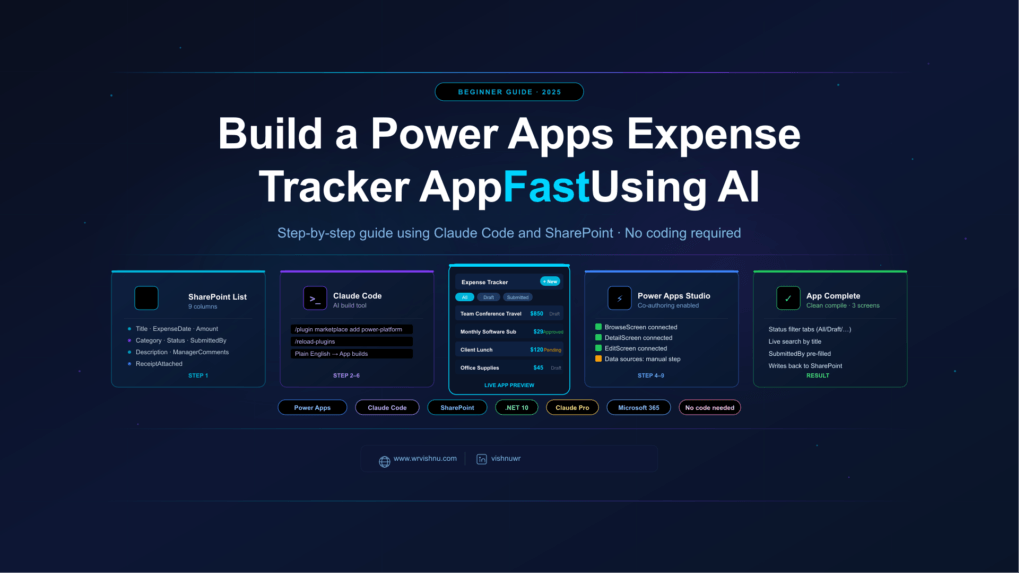
Build a Power Apps Expense Tracker App in 9 Proven Steps
The Power Apps Expense Tracker App built in this guide connects directly to a SharePoint list and handles the full…
Power Apps Code App: Build the Best M365 FAQ App (2026)
If you have outgrown the limits of Canvas apps, building a Power Apps Code App is the natural next step.…
Copilot Studio Topics: 5 Easy Steps to Smarter Agent Flows – Part 3
Part 3: How to Effortlessly Master Copilot Studio Topics — 5 Steps to Smarter Conversation Flows If you've followed Parts…
How to Effortlessly Build a Microsoft Copilot Studio Agent No Code 30 Minutes – Part1
Part 1: How to Effortlessly Build a Microsoft Copilot Studio Agent From Scratch I'm not going to pretend this is…
Copilot Studio Knowledge Sources: Easy Guide to SharePoint URLs and Files – Part 2
Copilot Studio Knowledge Sources — Why They Matter Most Understanding Copilot Studio knowledge sources is the single most important step…
Copilot Studio Beginners Guide: Build Your First AI Agent (2026)
Copilot Studio Beginners Guide — What This 4-Part Series Covers This Copilot Studio beginners guide takes you from zero experience…
Power Automate Approval Flow for SharePoint — Step-by-Step Beginner Guide
Power Automate Approval Flow SharePoint — Step-by-Step Beginner Guide Power Automate approval flow SharePoint — this tutorial shows you how…
Power Automate SharePoint File Teams Alert — 5 Simple Steps
In This Guide What You'll Build What You'll Learn Why a Power Automate SharePoint File Teams Alert Works Prerequisites Step-by-Step:…
Power Automate Teams Standup Reminder — Automate Your Daily Check-In in 4 Easy Steps
In This Guide What You'll Build What You'll Learn Why a Power Automate Teams Standup Reminder Works Prerequisites Step-by-Step: Building…
Power Automate Flow #1: New Item Notification Email
Power Automate SharePoint Email Notification: Master Your First Flow in 5 Easy Steps Series: Power Automate for Beginners | SharePoint…
Showing 16 of 16 posts
What You Will Find in These Samples
Each sample on this page is built with beginners in mind. You will find step-by-step Power Automate flows for common tasks like sending approval emails, copying files between SharePoint libraries, posting Teams notifications, and syncing data between apps. No prior experience with Power Platform is required to follow along.
All samples are tested and documented. Each one includes a brief description of what it does, what connectors or components are used, and how to get started. Simply pick one that fits your use case and follow the steps.
Looking for More?
These samples are just the starting point. If you want to go deeper, I also write about Power Platform, Copilot, and SharePoint covering topics like architecture, governance, best practices, and real-world implementation. Whether you are an individual contributor automating your own tasks or an architect planning a company-wide rollout, there is content on this blog to help you at every stage.
Check out my other posts on Power Platform, Copilot, and SharePoint — there is something there whether you are just getting started or planning an enterprise rollout.
Want to learn more about the tools covered here? Visit the official Microsoft Power Platform documentation for in-depth guides and tutorials.